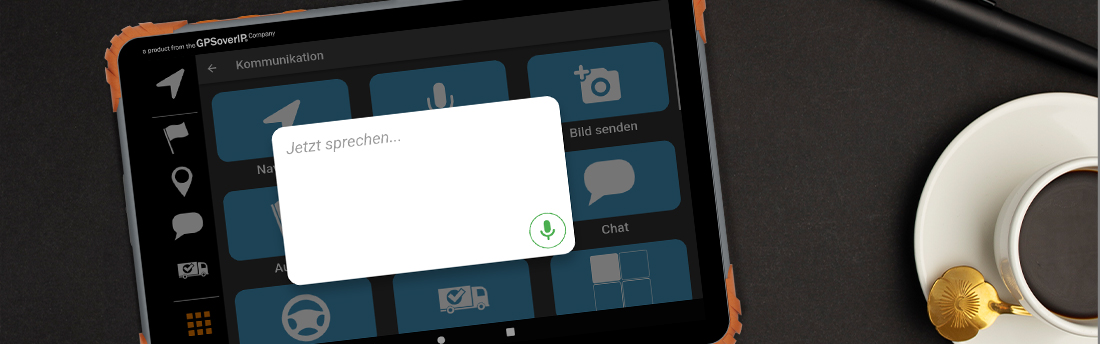
"Hey GPSauge" AI Voice Assistant – Speaking Instead of Typing in Everyday Driving
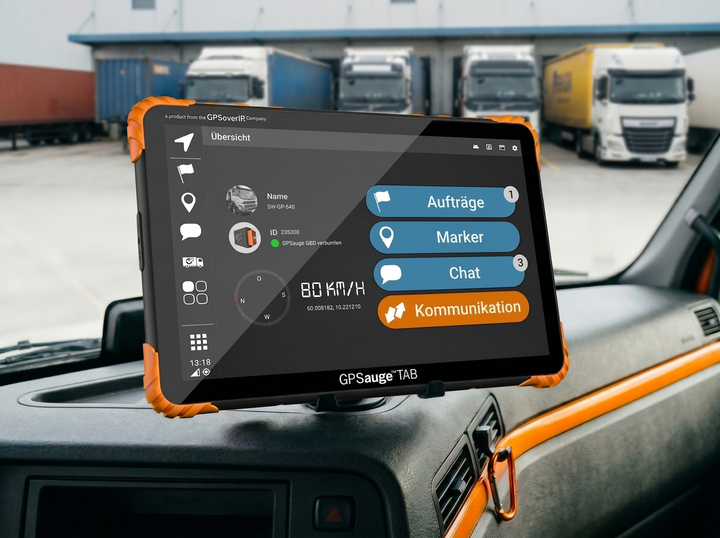
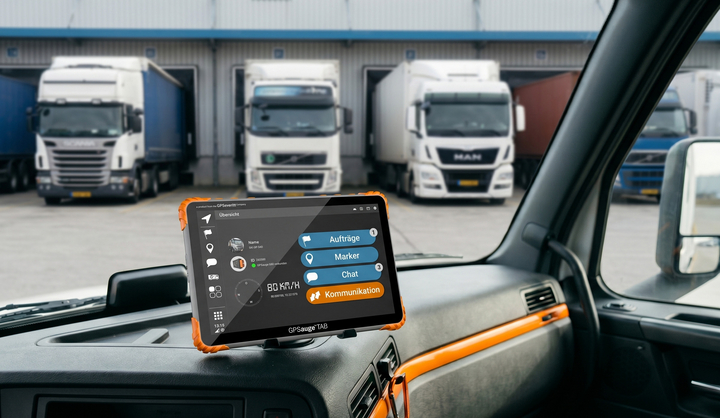
With “Hey, GPSauge,” GPSoverIP brings voice control to the driver’s display. The GPSauge TAB can be operated entirely by voice: start navigation, set job status, call dispatch, or send messages—all it takes is a short voice command. The assistant is specifically designed for professional use in fleet and transportation environments and integrates directly into existing GPSauge workflows.
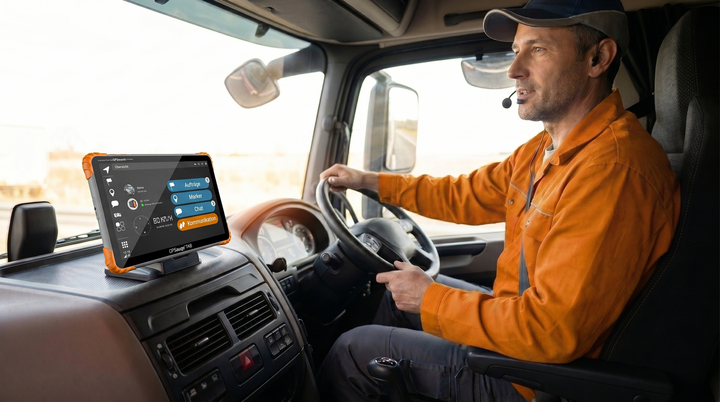
What the voice assistant can do
Examples of typical voice commands:
- “Hey GPSauge, plan a route to Hamburg with stops in Hanover and Bremen.”
- “Hey GPSauge, mark order 47812 as completed.”
- “Hey GPSauge, call Dispatch.”
- “Hey, GPSauge, how do you make pancakes?”
Features at a Glance:
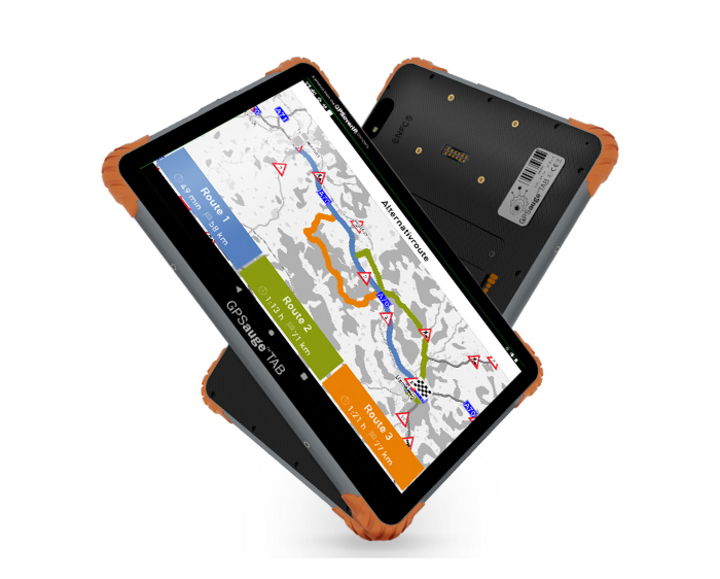
- Voice-guided navigation: Dictate destinations and stops, adjust the route
- Job management: Accept, start, complete, or comment on jobs
- Status Updates: Send updates to headquarters without typing
- Communication: Place calls to dispatch, send messages, or have them read aloud
- Information read aloud: e.g., new jobs, notifications, or messages on the driver’s display
Benefits for Drivers and Fleets
Greater Safety in the Cockpit
- Hands on the wheel, eyes on the road
- Less distraction from menus and input screens
- Voice control instead of typing while driving
Less stress, more flow in everyday life
- Intuitive operation with no learning curve
- No cumbersome entry of complex order numbers or addresses
- Drivers can complete tasks “on the fly” without disrupting the flow of driving
More
efficient processes for dispatch
- Faster feedback on orders and status
- Fewer follow-up inquiries because information is accurately recognized and documented
- Better data quality through automated speech processing
Integration and Rollout
- The voice assistant runs directly on the GPSauge TAB
- Integration with existing features such as navigation, order management, and communication
- Activation is done via a software update; customers do not need to install any additional hardware

The associated telematics portal
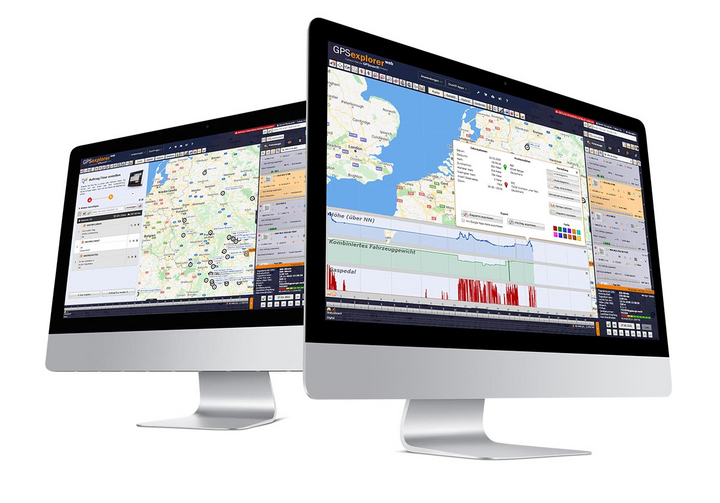
The GPS Explorer (browser-based web portal) is included with every GPSaugen (telematics unit). It is a powerful application for managing fleets of any size.
It doesn’t matter whether you need to manage just one vehicle or thousands.
Try it now with no obligation

Test the most professional telematics solution extensively, with no obligation and at no cost, and see for yourself why it’s the most powerful telematics system.
Simply provide your contact information, and your account manager will assist you from product selection to installation in your vehicle—he’ll take care of everything and be available to answer any questions you may have throughout the entire trial period.
- Free Trial
- based on your requirements
- tailored to your company’s structure
- Your personal account manager will guide you through the process

Everything at a glance—even on the go
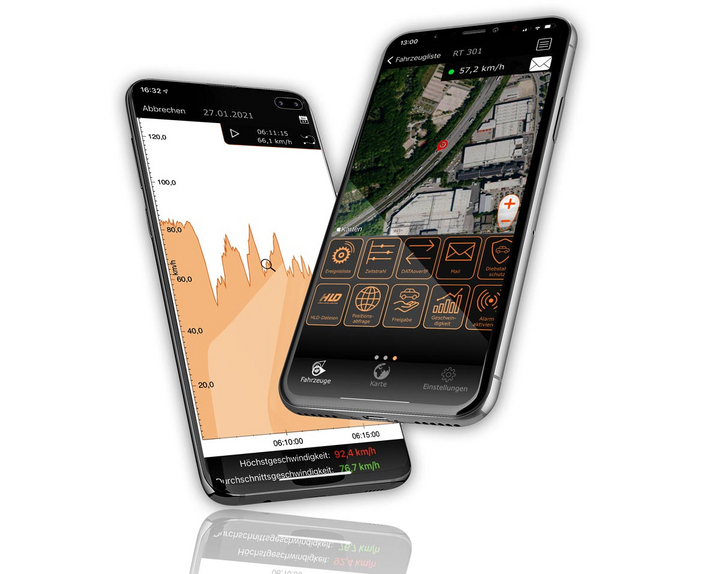
Manage your fleet with GPS-Explorer Mobile: fleet management even when you're on the go.
Which vehicle in your fleet is closest to a destination address?
Where are my vehicles?
What is the current temperature in the cargo area?